

Key Takeaways
- The global smart home automation market is expected to triple by 2034, driven by AI and IoT integration.
- Beginner users frequently face setup confusion, compatibility issues, and hidden costs in building a smart home ecosystem.
- Choosing the right hardware, protocols, and considering long-term privacy are critical for a reliable smart home automation system.
The Core Concept
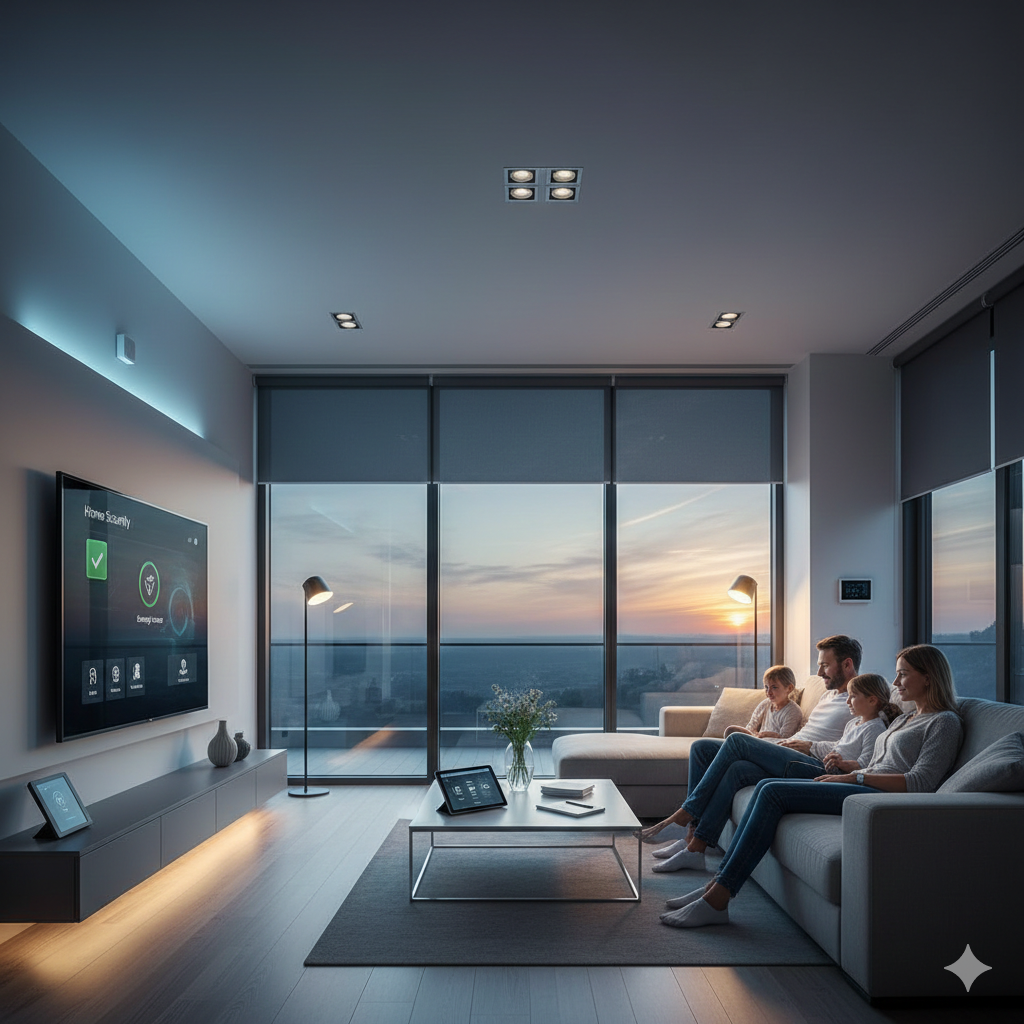
A smart home automation system is a network of connected devices—like lights, thermostats, locks, and appliances—that you can control remotely or automate based on schedules or conditions. The core goal is simple: make your home more efficient, secure, and convenient. In 2024, the market expanded to $73.7 billion, with nearly half of North American homes now classified as “smart.”
With a well-designed system, you can automate everyday routines, monitor your property from anywhere, save on energy costs, and even boost your interior comfort. However, success hinges on choosing compatible devices and understanding system limitations.
Step-by-Step Guide
Whether you want to automate a single room or your entire house, these steps help beginners plan and execute a reliable smart home automation system:
- Define Your Goals and Budget
Decide which room(s) and functions matter most—lighting, climate, security, or appliances. Sketch a modest starting budget and consider potential subscription costs for advanced features like remote monitoring. - Pick a Platform and Compatible Devices
Choose a primary ecosystem such as Google Home, Amazon Alexa, Apple HomeKit, or Samsung SmartThings. Always check if devices share protocols like Matter or Zigbee for smoother integration. - Start Small and Expand
Begin with high-impact devices: a smart thermostat, starter lighting kit, and a security device like a video doorbell. - Install and Configure Devices
Mount or plug in hardware, install their apps, and follow guided setup wizards. Expect some hiccups with Wi-Fi connection or voice assistant pairing—follow troubleshooting guides if needed. - Automate Routines and Test
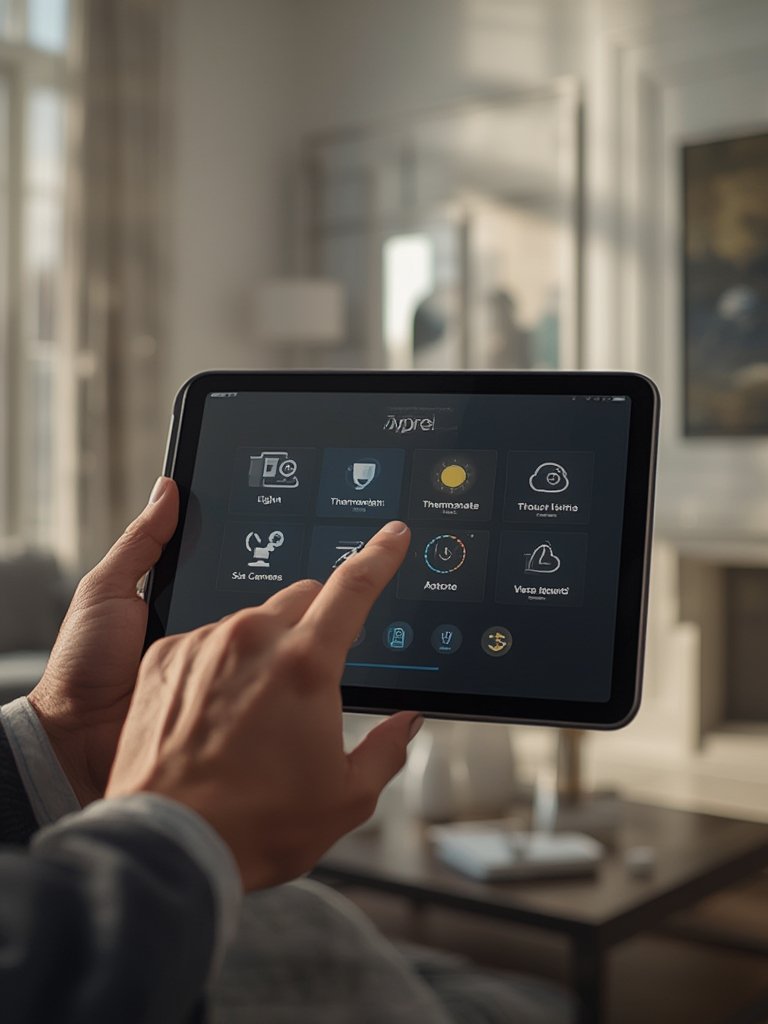
Create basic automations—like turning off unused lights, adjusting the thermostat on a schedule, or receiving doorbell notifications to your phone. Test everything to ensure reliability. - Secure Your System
Enable two-factor authentication, keep device firmware updated, and use complex passwords. Regularly check your privacy settings.
Want to add home energy savings? Consider smart thermostat installation for more precise climate control and lower utility bills. For seasonal comfort, check out home insulation supplies to maximize efficiency.
As your confidence grows, try automating holiday routines by integrating your smart lighting and plugs with stylish home christmas decor ideas for a festive upgrade that’s both cozy and convenient.
Advanced Analysis & Common Pitfalls
Real-world user feedback reveals that smart home automation system setups often hit unexpected roadblocks. While official market reports cite rapid growth—like the 2024–2034 surge forecast—detailed accounts of user pain points are rare. Still, you should be aware of these issues before investing:
| Potential Pitfall | Why It Happens | How to Avoid or Fix |
|---|---|---|
| Compatibility Problems | Different devices use different wireless protocols (Zigbee, Z-Wave, Wi-Fi) and not all hubs/controllers support every brand. | Select products labeled “Matter” or double-check the certified compatibility list for your main platform. |
| Complex or Frustrating Setup | Instructions are inconsistent; some devices balk during Wi-Fi setup or firmware updates. | Choose well-reviewed starters (e.g., Amazon Echo, Google Nest, Apple HomeKit) and use their in-app setup guides; avoid off-brand or outdated products. |
| Hidden Costs and Subscriptions | Some devices require monthly fees for remote access, cloud storage (video cameras), or add-on services. | Read the fine print—stick to brands with transparent cost structures and avoid those that “lock” features behind paywalls. |
| Security & Privacy Risks | Poor device security or default login credentials can create vulnerabilities. | Buy from established brands, change all default passwords, use regular firmware updates, and enable two-factor authentication wherever possible. |
| Inflexible Automation & Lack of Customization | Entry-level systems sometimes limit automation options or scene complexity. | Research automation rules beforehand and make sure your hub supports “if-this-then-that” routines or custom triggers. |
Another common frustration? Finding clear hardware requirements. If you plan an advanced setup, typical essentials might include:
- Central hub (or controller)
- Compatible smart devices: thermostats, bulbs, plugs, locks, sensors
- Strong, stable Wi-Fi router
- Mobile device or smart display for control
- Platform-compatible software apps
- (Optional) Voice assistant speaker (e.g., Alexa, Google Assistant, HomePod)
Technical specifications vary by brand—look for dual-band Wi-Fi, protocols like Zigbee or Thread, and third-party ecosystem support for scalability.
Budgeting is another pain point. Official sources like recent North America market research cite total regional revenues but offer no itemized breakdown for homeowners. In practice:
- Starter kits (hub, bulbs, plugs): $150-$350
- Smart thermostats: $120-$300 each
- Doorbell/security cameras: $80-$250 per device
- Subscription fees: $3-$10/mo per device for premium features (varies)
- Advanced multi-room installs: can exceed $2,000
Always budget an extra 15-20% for accessories, network upgrades, or unplanned add-ons.
Security is mission-critical. While leading brands invest in regular updates, no system is “hack-proof.” You are responsible for strong, unique passwords, closing unused digital “ports,” and periodically reviewing account access.
For privacy-conscious shoppers, investigate what data is stored locally versus in the cloud. If privacy is top priority, avoid devices that “phone home” excessively unless you can fully manage your permissions.
Want your smart home also to save space? Check out space saving shelving ideas that work well with smart lighting and sensors. Focused on energy savings? Pair your system with eco-friendly building materials for greener living. Modern christmas decor can easily be automated for seasonal style.
Conclusion
With robust planning and the right mix of compatible devices, a smart home automation system is attainable for beginners and scalable for advanced users. Remember to start with clear goals, check device compatibility, stay alert to hidden costs, and prioritize cybersecurity. The smart home market will keep evolving, and the right setup will help you stay ahead.
Ready to build your own smart home automation system? Start small, learn as you go, and invest in reputable brands for the best results. Explore more how-tos and inspiration to futureproof your home.
FAQ
What is the first device I should install in a smart home automation system?
For most beginners, a smart thermostat or starter lighting kit offers the fastest real-world benefits and is relatively easy to set up. These devices work well as the core of an integrated system.
Do I need Wi-Fi for every smart home device?
Most modern smart home devices require Wi-Fi or a hub connected to Wi-Fi. Some sensors and switches use Zigbee, Z-Wave, or Thread and connect via a compatible hub that is itself internet-enabled.
Are there ongoing or hidden fees with smart home automation?
Some devices, particularly cameras and advanced security equipment, require subscriptions for remote access, cloud storage, or additional automations. Always check terms before purchasing.
How can I make my smart home system more secure?
Change all default passwords, use two-factor authentication on your accounts, keep device firmware updated, and buy from reputable brands that publish security patches regularly.
Is it easy to add more devices later?
Yes, as long as you choose a platform that supports the Matter standard or has robust third-party support, adding devices is straightforward and usually guided by in-app wizards.