

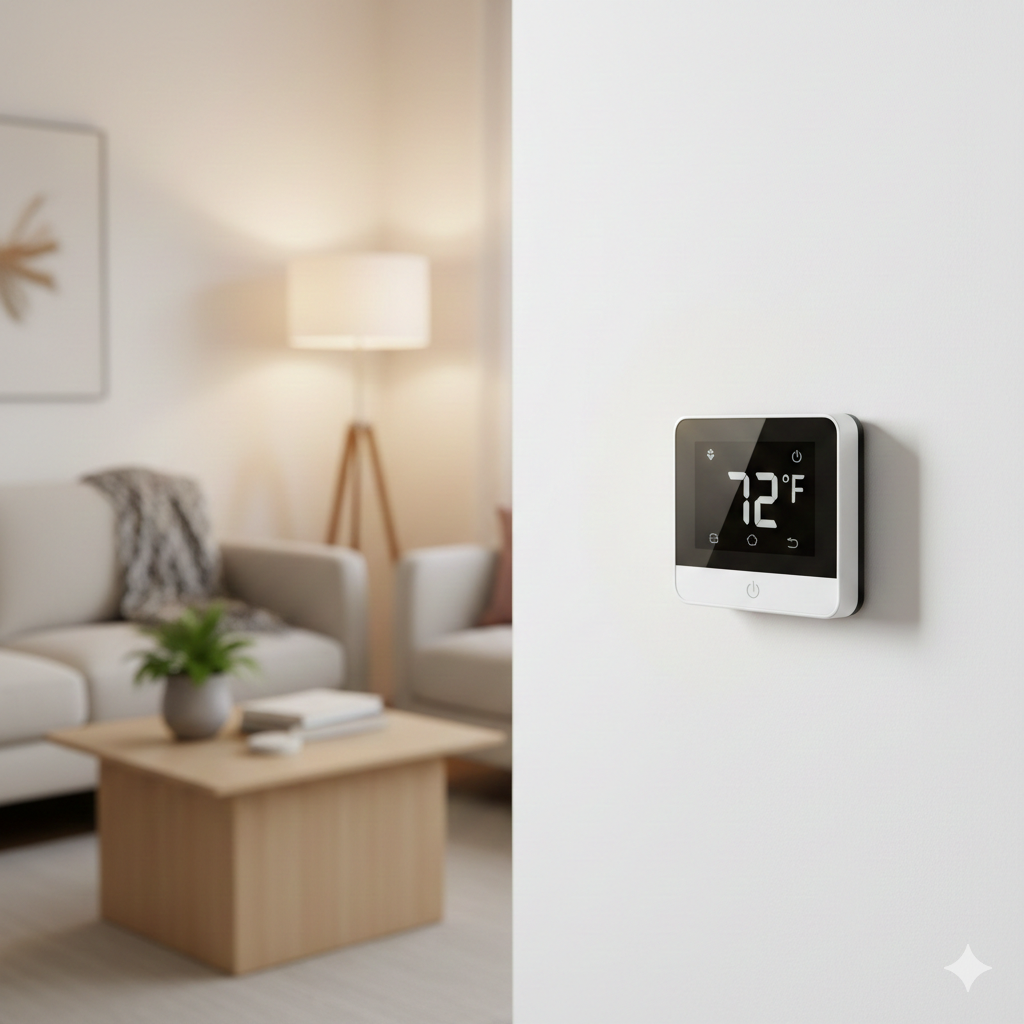
Smart thermostat installation is one of the best ways to enhance your energy efficiency and comfort with connected technology. Whether you do it yourself or hire specialists, getting this critical upgrade right means enjoying lower energy bills, convenient control, and effortless integration with your smart home routine.
Key Takeaways
- Smart thermostats can lower heating and cooling bills by optimizing schedules, with up to 9% annual savings possible nationwide.
- Successful installation depends on checking wiring compatibility and Wi-Fi strength before you start.
- Many energy utilities offer rebates for smart thermostat installation, cutting your upfront costs.
- 1. What Is Smart Thermostat Installation & Why It Matters
- 2. How to Install a Smart Thermostat: A Step-by-Step Guide
- 3. Advanced Analysis & Common Pitfalls
- 4. Conclusion
- 5. FAQ Section
What Is Smart Thermostat Installation & Why It Matters
Smart thermostat installation means replacing your old wall thermostat with a Wi-Fi enabled device that learns your preferences, automates scheduling, and delivers real-time data to your smartphone. With adoption reaching 16–17% of US internet households in 2024 and North America capturing 40% of the global market share, these upgrades are no longer a novelty.source source
Why are so many homeowners making the switch? High energy costs, increased climate consciousness, and the universal appeal of voice assistants and app control. Modern smart thermostats optimize HVAC use with AI-enabled learning, reduce heating and cooling waste, and connect with your smart home system. Manufacturers like Google Nest, Honeywell, and ecobee now hold over 60% of the global share.source
The result is a faster return on investment, less effort adjusting your environment, and a home that works smarter for you. If you pair your installation with proper home insulation supplies, your comfort and savings multiply all year round.
How to Install a Smart Thermostat: A Step-by-Step Guide
You don’t have to be an electrician to install a smart thermostat, but you do need to methodically follow the instructions, check compatibility, and plan for a safe, smooth transition. Here’s your clear roadmap.
- Check compatibility: Most modern smart thermostats are designed for 24V HVAC systems with a common wire (C wire). Some newer units work with battery power or offer an adapter for homes without a C wire. Confirm your home’s wiring by turning off the thermostat and removing the faceplate to review the terminals.
- Read the manufacturer’s guide: Each thermostat model (Nest, ecobee, Honeywell, and others) includes setup specifics. Download the app before you begin; many provide guided setup videos and live chat support if you run into a snag.
- Label your wires: After switching off the power and removing the old unit, use the included stickers to label wires by their terminal letters (R, W, Y, G, C, O/B, etc.).
- Mount and connect: Screw the new thermostat base to the wall, feed each wire to its correct terminal (matching your earlier photo), and tighten the connections. Attach the faceplate when finished.
- Restore power and run setup: Switch the breaker back on. The thermostat display should light up. Follow prompts in the device and app to connect your home Wi-Fi, set your location, and verify system compatibility. Test both heating and cooling functions to confirm success.
- Integrate with your smart home: Link your thermostat to Alexa, Google Assistant, Apple HomeKit, or your favorite ecosystem for voice control and remote scheduling. Customize automation routines for maximum convenience.
- Apply for rebates or incentives: Check your local utility provider’s website for available rebates on smart thermostat installation. Even small discounts can reduce your upfront cost. For inspiration on other seasonal energy savers, check out seasonal home decor trends 2025 and how they fit into smarter living.
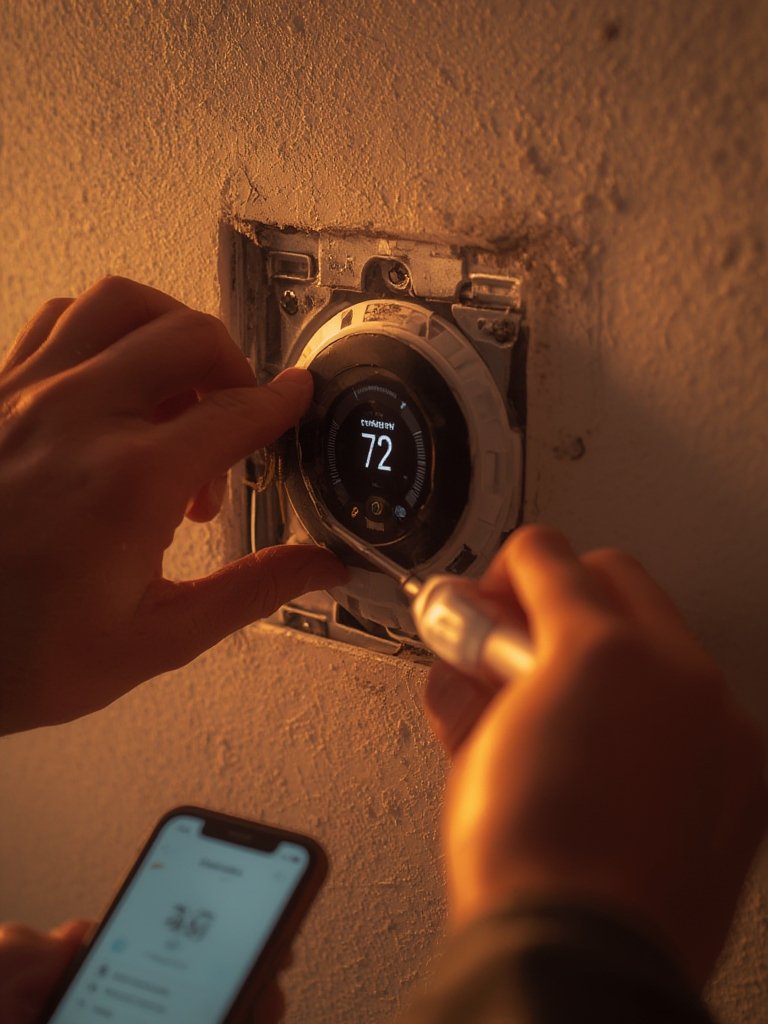
Prefer pros to handle the job? Most HVAC technicians can install and set up smart thermostats in under 90 minutes. Consider professional installation if your home is older, has unusual wiring, or you want warranty-backed peace of mind. Be sure to ask about specific compatibility with your furnace or air conditioner model.
Once installed, your smart thermostat will gradually refine its settings for your household. You can also upgrade your holiday comfort with ideas from Beautiful Home Christmas Decor Ideas in 2025 for a cozy, stylish environment.
Advanced Analysis & Common Pitfalls
Smart thermostat installation is popular and powerful—but there are legitimate hurdles to watch for. Let’s break down the key issues and their solutions.
| Problem | Cause | Solution |
|---|---|---|
| Device not powering up | Missing C wire Incorrect wiring No power from HVAC system |
Check for a C wire or use a compatible adapter Double-check wire labels Verify breaker is on |
| Wi-Fi won’t connect | Weak home Wi-Fi signal Outdated firmware |
Move router closer or add a Wi-Fi extender Update app and thermostat firmware |
| HVAC won’t respond | Incompatible system (e.g., high-voltage or proprietary wiring) | Consult manufacturer compatibility lists Call a certified HVAC professional |
| Device scheduling not working | Incorrect app setup Time zone or geofence not configured |
Re-run guided app setup Check location services permissions |
| Eligibility for rebates unclear | Confusing utility policies by region | Visit your energy company’s website for 2024 rebate details or ask your installer to assist with paperwork |
Unlike some budget home upgrades, smart thermostat installation usually avoids wall repair or rewiring. However, DIYers without a C wire often get stuck—plan ahead to find the right solution for your home. Additionally, interference from competing Wi-Fi devices can cause connectivity hiccups, and not every system (especially in homes pre-1980) will be fully compatible with smart controls.
If you want a seamless experience year-round, pair your new thermostat with seasonal home updates that maximize energy efficiency and comfort.
Conclusion
Smart thermostat installation gives homeowners immediate energy savings, increased comfort, and a more connected living space. Recent market data confirms the trend is accelerating, and the benefits are clear—especially when combined with other smart upgrades. Just remember to check wiring compatibility and take advantage of available energy rebates first. Ready to start? Choosing the right thermostat and following these steps can set you up for a smarter home in no time.
Upgrade your comfort and take control of your energy bills today—smart thermostat installation is one of the easiest, highest-impact improvements you can make.
Still have questions about DIY vs. professional installation or how to maximize your results? Explore our complete home gift wrapping station guide for inspiration on creative, practical home upgrades year-round.
FAQ Section
How much does smart thermostat installation cost in 2024?
Installation costs vary. DIY installation can be free if no tools or adapters are needed. Professional installation typically ranges from $100 to $250, depending on your region, wiring complexity, and HVAC system type.
Can I install a smart thermostat myself?
Most homeowners can install a smart thermostat with basic tools and by following instructions. However, if your system lacks a C wire or has high-voltage wiring, you may need a pro’s help to ensure safety and compatibility.
What are common compatibility issues?
Older homes may lack a C wire, use proprietary HVAC controls, or have high-voltage systems incompatible with many smart thermostats. Always verify compatibility before you buy and begin installation.
Are there government rebates for installing a smart thermostat?
Yes. Many US utility companies and some state programs offer rebates for eligible smart thermostats. Check with your local provider for current incentives and application instructions. source
Is a smart thermostat worth it if I rent or plan to move soon?
Smart thermostats can pay for themselves in energy bill savings within a few years, and many can be moved to your next home. Just check with your landlord before replacing existing controls.